













On October 15th, according to a post by technology media NeoWin yesterday (October 14th), it was reported that the cumulative update for October released by Microsoft for Windows in the 11H2, 25H2, and 26H2 periods contained Bug, which caused connection disruptions for enterprises and campuses using WPA 802.1X with PEAP authentication on their Wi – Fi networks.
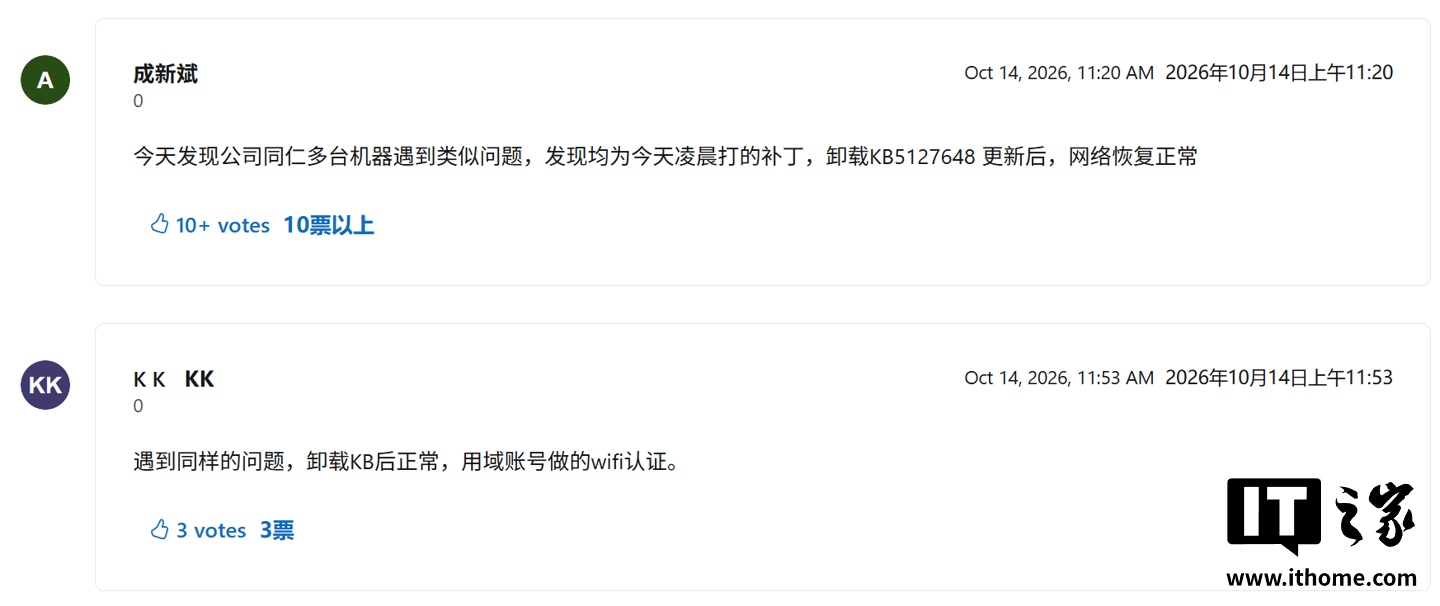
A large number of internal employees from enterprises and teachers and students from universities have reported that after upgrading to this patch, their computers suddenly experienced a fault where Wi – Fi connections failed. According to feedback from the Microsoft community, this Bug mainly affected enterprise-level Wi – Fi systems that use the WPA 802.1X PEAP (Protected Extensible Authentication Protocol) network authentication architecture. Below are some relevant screenshots attached:
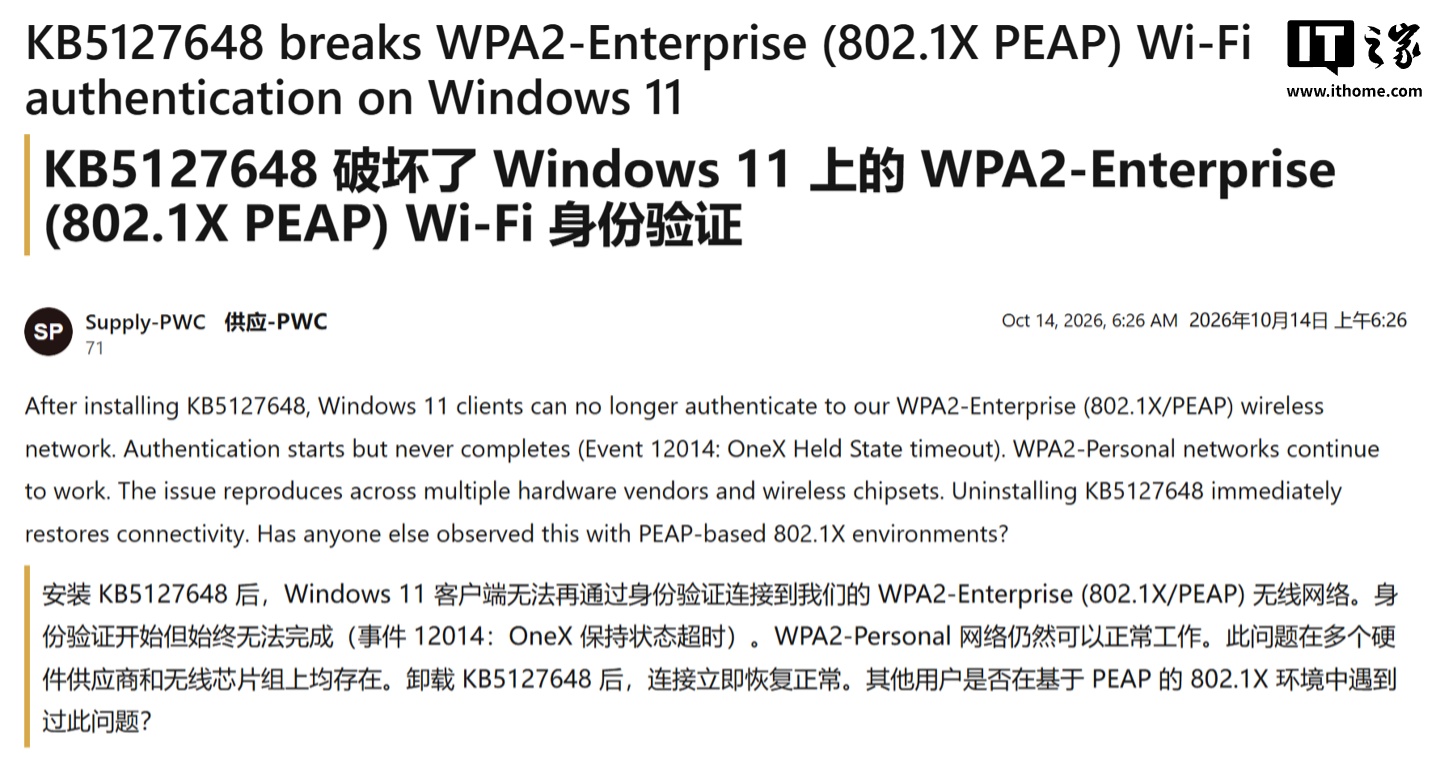
Affected users encounter repeated credential error messages after attempting to connect to the internet, or are directly prompted with "Unable to connect to this network." Since many large institutions, office complexes, and universities have widely deployed such security authentication networks, this issue has resulted in a large number of office workers and students around the world being "forced to disconnect from the internet."
As a temporary solution, users can make adjustments by modifying the registry with administrator privileges:
- Open the Registry Editor as an administrator.
- Navigate to the following path:
- If BlockNtlmv1SSO does not exist, then create a new 32-bit DWORD value.
- Set its value to 0.
- Reboot the computer, and then check whether the connection between Wi and Fi has returned to normal.
Multiple users and administrators have confirmed that changing the registry value to 0 can resolve authentication issues. One user also reported that after deploying this setting through group policy, the problem was solved as well, which is very useful for IT administrators who manage multiple affected computers.